Everything WebAgent Labs does — and the real agent loop that makes it more than a chat wrapper.
Most AI tools talk. WebAgent Labs works. Every popular AI sidebar is fundamentally a chatbot — it reads what you paste, answers questions about what you describe, and then stops. It can't reach the real browser tab where you're trying to get things done.
WebAgent Labs is different. It perceives the page, reasons about it with an LLM, and takes real actions — clicks, types, navigates, fills forms, even hands-free by voice. It is not a chat wrapper. It is a real agentic AI.
Most "AI sidebars" are ChatGPT inside a panel. They read pages, answer questions, and stop. WebAgent Labs crosses the line into action — and stays open-source, server-free, and yours.
| Typical AI Sidebar | WebAgent Labs | |
|---|---|---|
| Reads page content | ✓Yes | ✓Yes |
| Chats about the page | ✓Yes | ✓Yes |
| Takes real actions on your behalf | ✗No | ✓Yes — clicks, types, navigates, fills |
| Hands-free voice control | ✗Rare / read-only | ✓Speak goals, hear replies, runs actions |
| Open source — read every line of code | ✗Rarely | ✓MIT-licensed on GitHub |
| Free, with a fully on-device option | ✗Usually paid | ✓Free; Ollama Local = $0 |
| Your data stays on your device | ✗Routed via dev server | ✓No server exists |
| Zero telemetry, analytics, tracking | ✗Typical | ✓None — verifiable in source |
| Provider freedom (bring your own key) | ✗Locked to one LLM | ✓8 providers, any model |
Give the agent a goal in plain English. It navigates, clicks, types, fills forms, and reports back — across multiple pages and steps — while you watch every action in a live log.
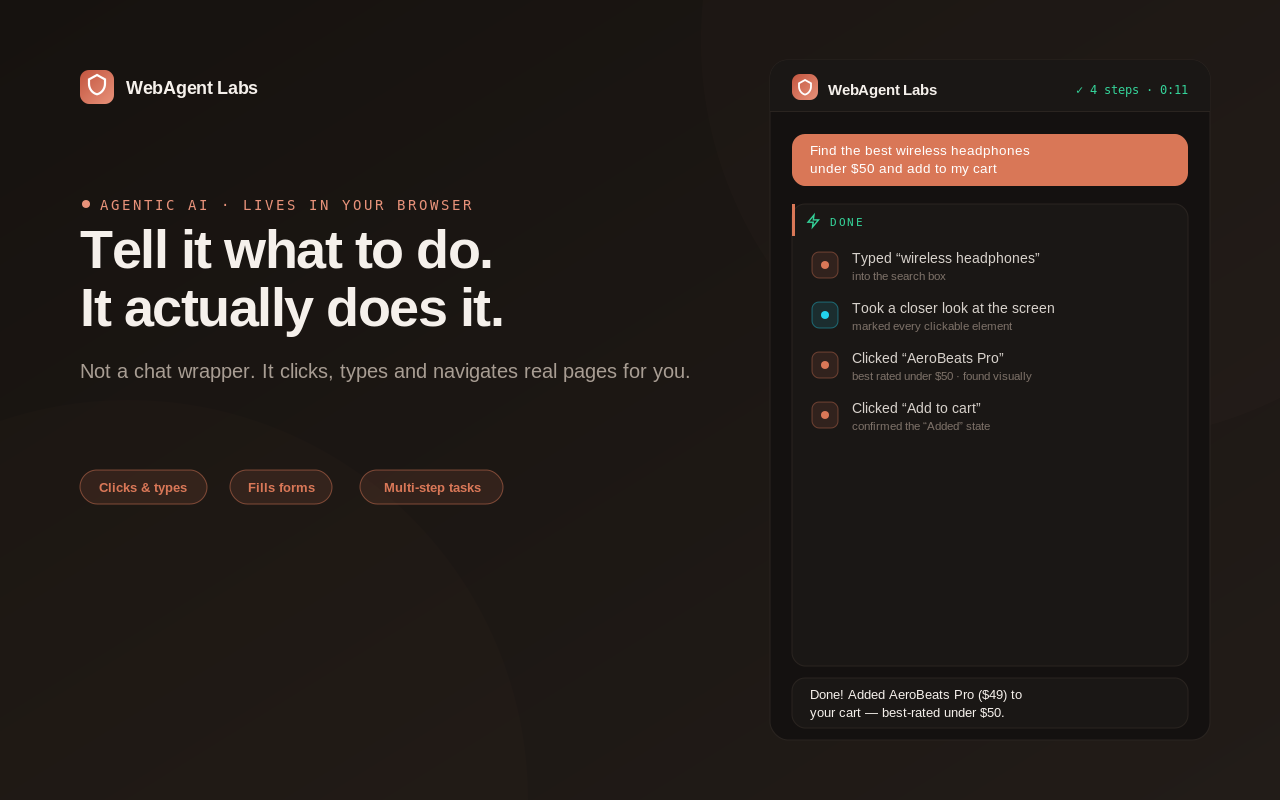
Ask questions about the article, dashboard, or video page you're viewing. Multi-turn conversation with full page context — nothing to configure.
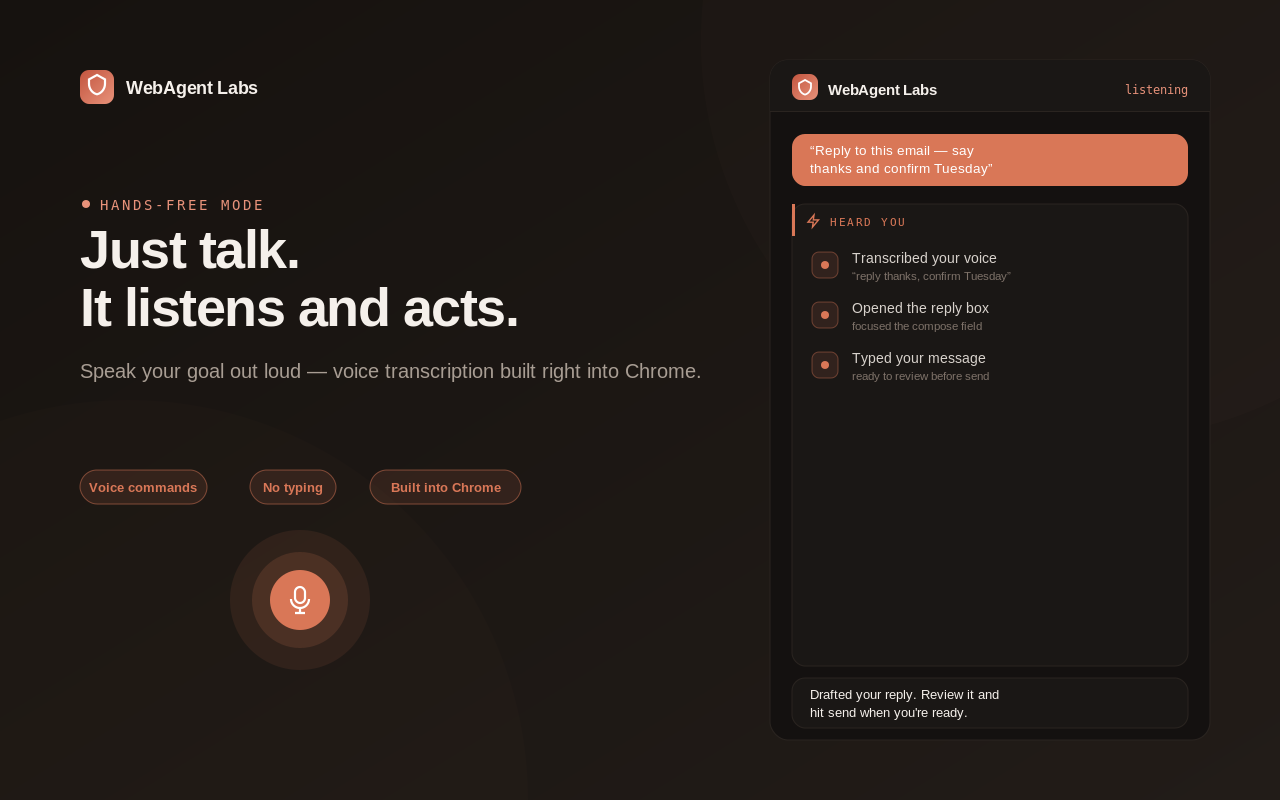
Toggle the mic and go fully hands-free. WebAgent Labs transcribes your speech, figures out whether you're chatting or asking for an action, does it, and replies out loud in a warm, natural voice — then goes right back to listening.
Eight providers in Settings, every model field editable — switch any time. Your API keys never leave your device.
chrome.storage.local — never seen by us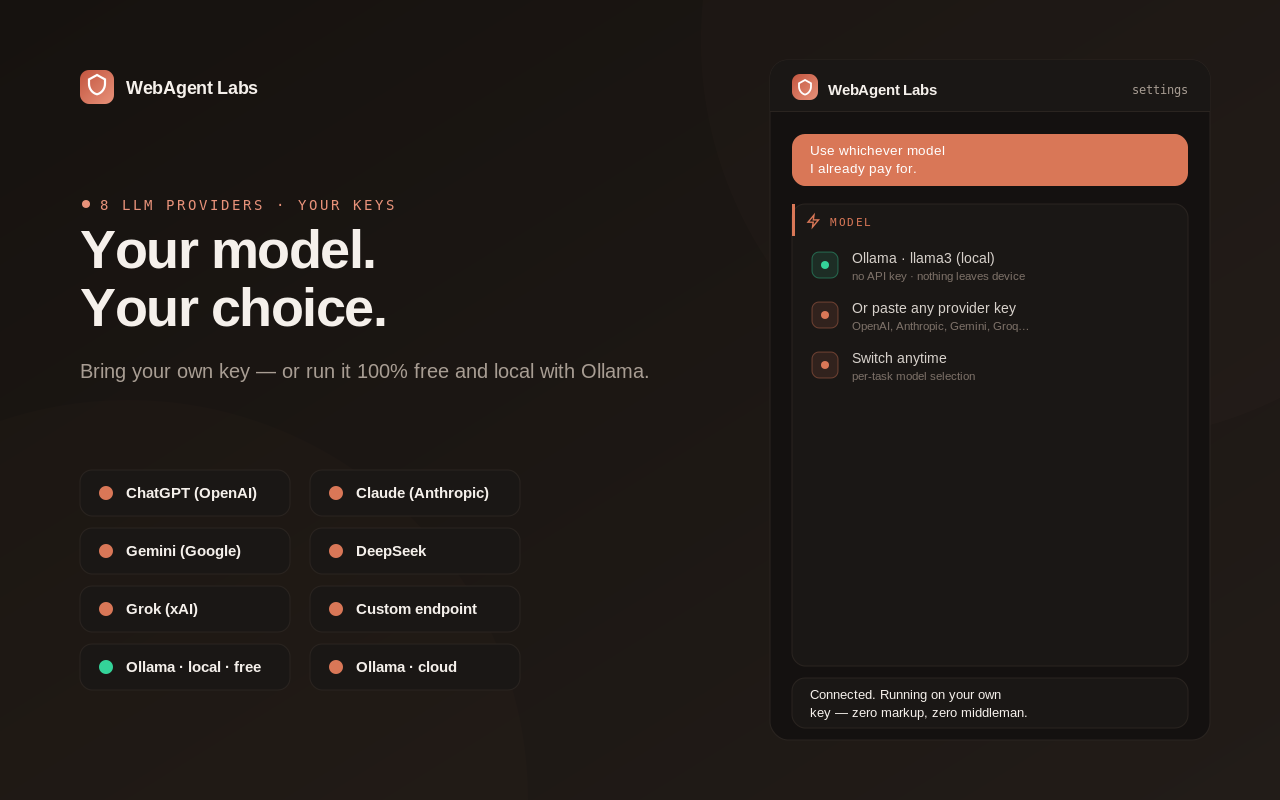
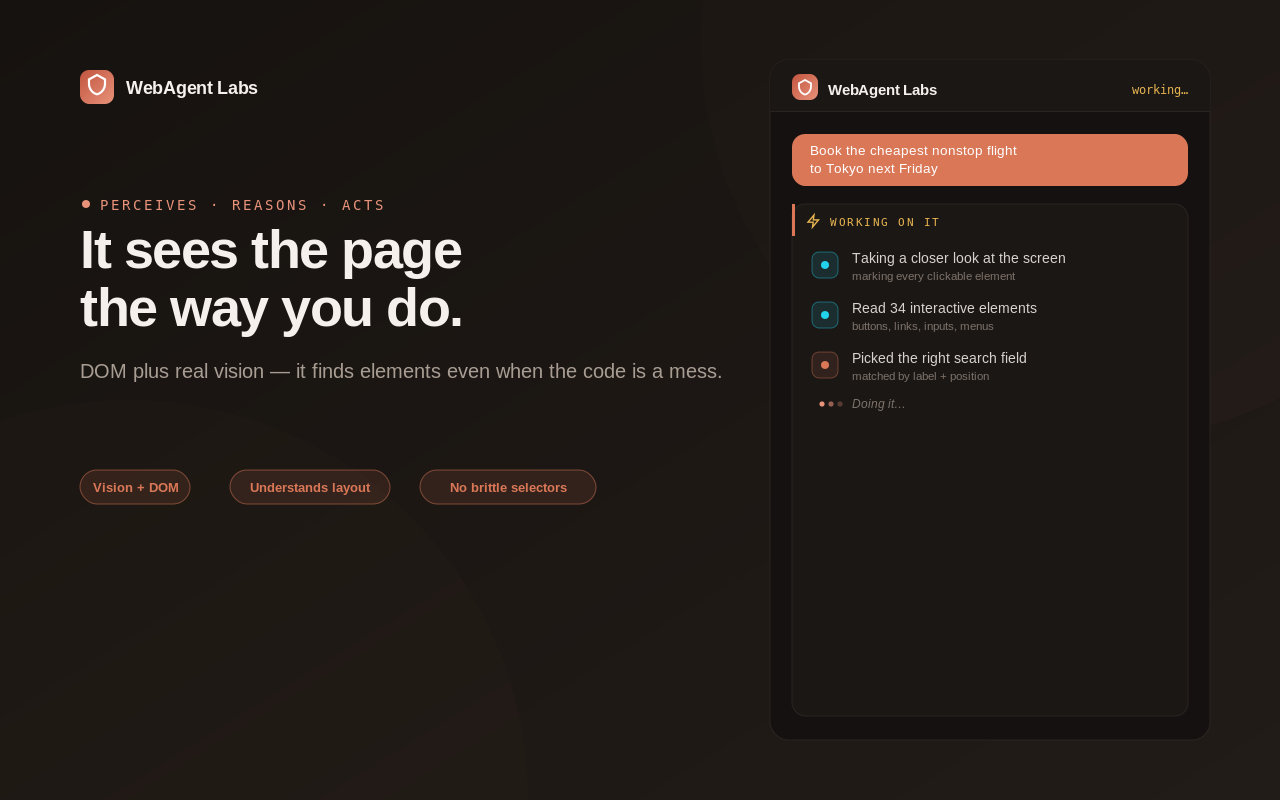
Most agentic extensions stay at DOM analysis and fail when pages deviate from their assumptions. WebAgent Labs climbs a 4-tier ladder until it gets unstuck.
Eight LLM providers supported out of the box. Every model field is editable so new releases work the day they ship. Use a frontier model where reliability matters; a cheap fast one where speed matters more.
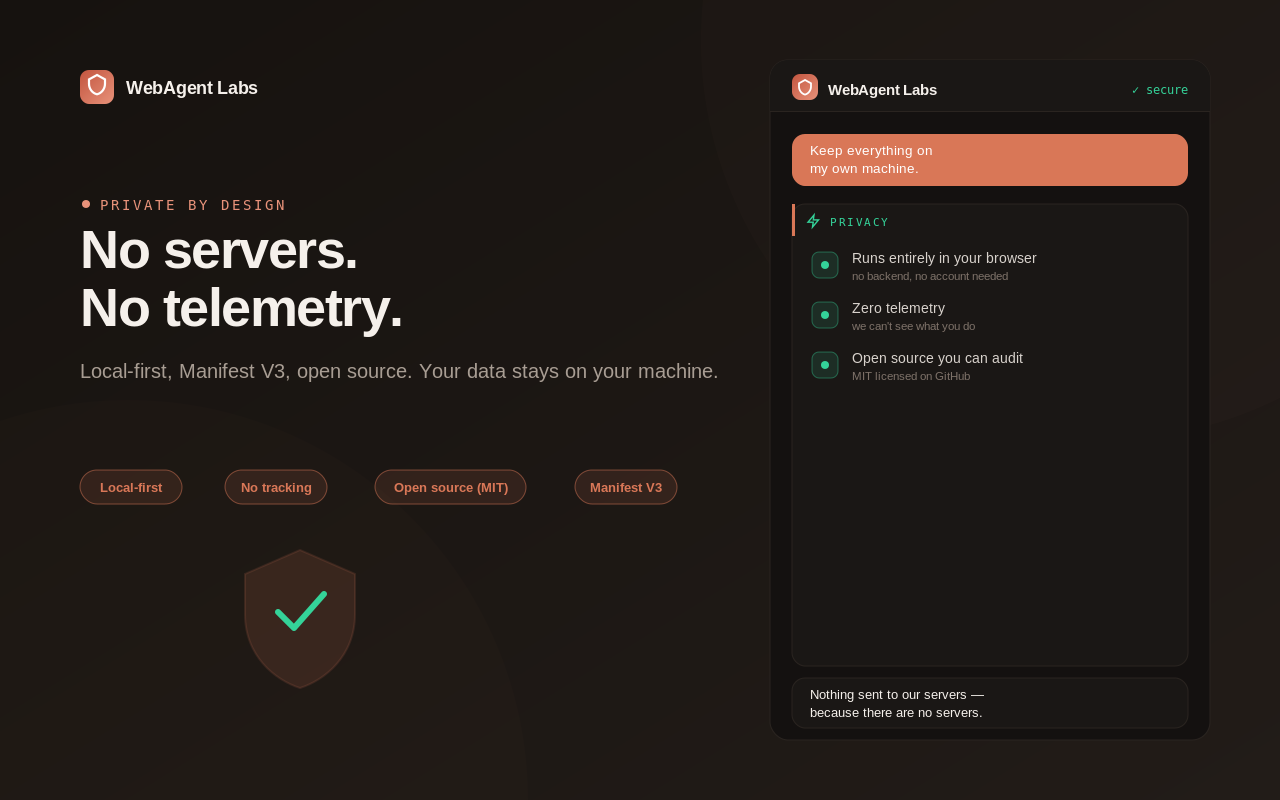
There is no developer-controlled server. No telemetry. No analytics. No data sharing with any third party. The local-first architecture is structural, not policy — there is nothing on our side to collect data even if we wanted to.
chrome.storage.local, sandboxed per-extension and encrypted at rest.Voice Mode note: text-to-speech runs on your device. Speech-to-text sends microphone audio to your browser's built-in speech service (Google's backend on Chromium) only while Voice Mode is on. WebAgent Labs stores no audio.
Read the full policy: Privacy Policy & Permission Justifications →
Open-source, under 1 MB, runs on every Chromium browser. Bring your own API key, or run fully local with Ollama.
Add to Chrome — it's free WebAgent Labs